No need to be tied to your computer anymore. Download the official vip taka 24 mobile app and enjoy slots, Live Casino, and betting — all in one app, wherever you are.
Vip taka 24 App
v3.2.1 • Latest
Separate optimized versions for both Android and iOS
The vip taka 24 Android app is available as a direct APK download — no Google Play Store needed. Just enable "Install from Unknown Sources" in your phone's settings and you're good to go.
IPhone and iPad users can install the vip taka 24 iOS version with ease. Built in line with Apple's security guidelines, the app delivers smooth performance and a clean, polished interface.
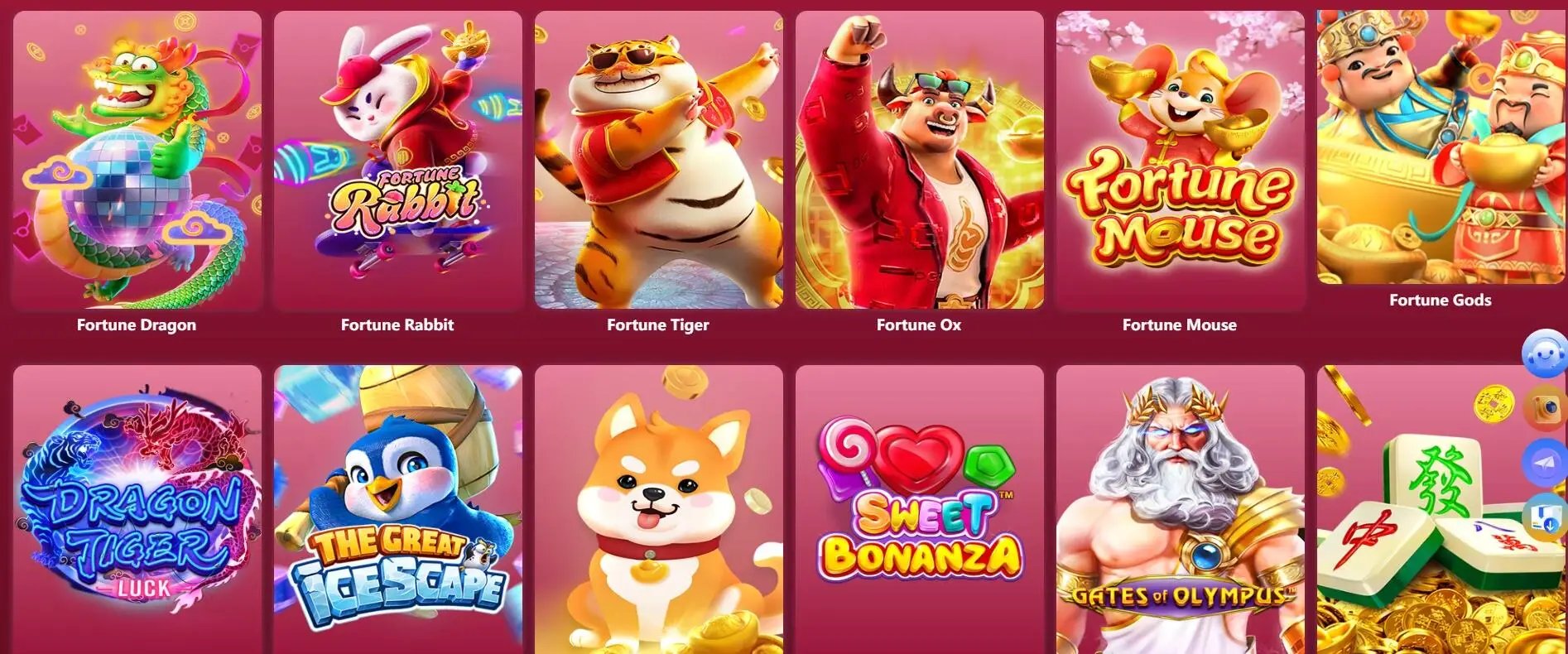
The vip taka 24 mobile app is more than just a gaming platform — it's your complete entertainment hub. The moment you open it, you'll find hundreds of slots, Live Casino tables, live Sports Betting on cricket and football, and much more.
New players can register directly within the app in just a few easy steps. Open an account in under two minutes, make a deposit, and start playing. Instant top-ups via bKash, Nagad, and Rocket — completely hassle-free.
The app's home screen shows the latest bonus offers, ongoing tournaments, and shortcuts to popular games — so you can jump straight to your favourite content without wasting time searching.
Stay logged in to the vip taka 24 app and get instant push notifications whenever a new promotion or bonus drops — so you never miss an offer.
Simple step-by-step guide for both Android and iOS
Tap the "Download Android APK" button on this page and the APK file will begin downloading.
Go to your phone's Settings → Security → enable Unknown Sources (or Install Unknown Apps).
Open your Downloads folder, tap the viptaka24.apk file, and press "Install".
Once installation is complete, open the app, log in or register, and start playing.
Tap the "iOS App Download" button on this page and you will be taken to the installation page.
Trust vip taka 24 via Settings → General → VPN & Device Management.
Once trusted, the app will be added to your home screen automatically.
Tap the vip taka 24 icon on your home screen and start playing.
Mobile internet usage in Bangladesh grows every day. With that in mind, vip taka 24 built its mobile app specifically for Bangladeshi users — running smoothly even on limited data, which makes a real difference.
Even in remote areas of Bangladesh without broadband access, the vip taka 24 app runs smoothly on 3G or 4G mobile data. When the connection is weak, the app automatically reduces graphics quality to keep gameplay running without interruption.
With a fully Bengali interface, the app is accessible even to those who are not comfortable with English — from the menu to the payment gateway, everything is available in Bengali.
On top of that, the vip taka 24 customer support team is available 24/7, every day of the week. Any issue can be resolved within minutes via live chat.
The vip taka 24 mobile app delivers an experience you won't find anywhere else
Games load in just 2 seconds — no lag even on slow internet.
Get instant updates on new bonuses and promotions delivered straight to your phone.
Log in quickly and securely using Fingerprint or Face ID.
Deposit via bKash, Nagad, or Rocket without ever leaving the app.
Slots, Live Casino, betting — every type of game in one app.
Enable Dark Mode for a comfortable, easy-on-the-eyes experience at night.
Enable Data Saver Mode on a weak connection and keep playing without interruption.
When a new version is available, the app will notify you automatically — no need to check manually.
New users sometimes run into minor hiccups when installing the Android APK — but they're all easy to sort out.
This is the most common issue. The fix is to go to Settings → Security → Unknown Sources and toggle it on. On some devices it's found under Settings → Apps → Special App Access → Install Unknown Apps. Enable it once and the APK will install.
Check your internet connection. If Wi-Fi isn't working, try mobile data. Clear your browser cache and try again. Using Chrome is recommended.
Go to Settings → General → VPN & Device Management. Find the vip taka 24 profile and tap "Trust". The app will then run normally.
Restart your phone, uninstall the old version, and download the latest APK again. Low storage space can also cause this issue — make sure you have at least 100 MB free.
Vip taka 24 App vs Mobile Browser — A Side-by-Side Comparison
| Features | Vip taka 24 App | Mobile Browser |
|---|---|---|
| Loading Speed | Much faster | Relatively Slower |
| Push Notifications | Yes | No |
| Biometric Login | Yes | No |
| Data Saver Mode | Yes | No |
| Offline Features | Partial | No |
| Game Performance | Maximum | Medium |
| Battery Usage | Optimized | Higher data usage |
| In-App Payment | Yes | Yes |
| Installation Required | Yes | No |
A common concern when downloading any app is whether it's safe and whether your personal data is protected. With vip taka 24, the answer is simple — yes, completely safe.
The app uses 256-bit SSL encryption, meaning your login credentials, payment details, and personal data are fully encrypted before reaching our servers — completely unreadable by any third party.
Vip taka 24 will never ask for your password or OTP by phone or email. If anyone claiming to be a vip taka 24 representative requests this information, it is a scam — report it to our support team immediately.
The app only requests essential permissions and works fully without access to your camera, microphone, or contacts. Your privacy is our top priority.
Through regular security audits and updates, vip taka 24 ensures that any vulnerabilities are addressed immediately. Your account and funds are fully protected.
The most frequently asked questions about the download